


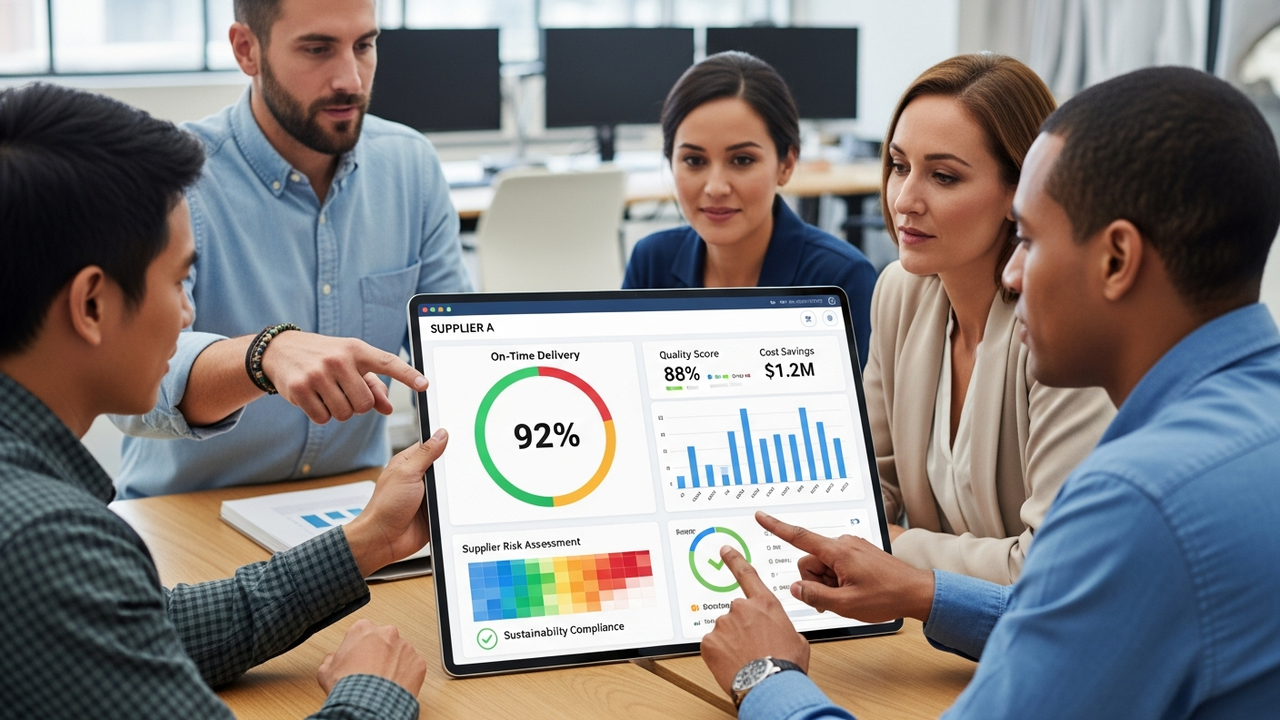
Stay updated with the latest announcements and important information.
- Overview
- Announcements
- First Time Users
- Featured Items
- Help
- Upcoming Events
- FAQs
Molex Suppliers & Supplier Scorecard Overview
Key resources designed to support a clear understanding and effective use of the Molex Supplier Scorecard framework, including scorecard metrics, expectations, and performance insights.
Latest Supplier Scorecard Announcements

How to Access the Molex Supplier Scorecard
Learn how to request access and the steps to navigate to the Supplier Scorecard in SCC Supplier Portal.
Featured Items
Visit our featured items to gain insight into key content.
-
Revised 2026-03-23T09:38-05:00
Help and Support

Upcoming Events
Join upcoming training sessions, workshops, and webinars to enhance your scorecard knowledge

Scorecard Frequently Asked Questions
This FAQ answers common questions to help suppliers access and navigate the Supplier Scorecard in the SCC Portal.
Supplier FAQs
The Supplier Scorecard is a tool used by Molex to measure supplier performance and effectiveness. It includes metrics such as delivery performance, quality notifications, and other indicators related to company and category strategic alignment.
Suppliers can access their Supplier Scorecard through the SCC (Supply Chain Collaboration) Portal. The scorecard is available on the SCC Home Page under the Application Gateway → Molex Apps.
Yes. Suppliers must request access to the SCC Portal in order to view their Supplier Scorecard. Access is required even if the supplier does not use SCC for transactions.
Suppliers can request SCC access by completing the SCC Supplier Enablement Request for Non‑Transacting Suppliers form provided by Molex.
After logging into the SCC Supplier Portal with supplier credentials, suppliers should scroll down on the SCC Home Page, go to the Application Gateway, select Molex Apps, and then click on the Supplier Scorecard application to view their scorecard details.
Within the Supplier Scorecard application, suppliers can:
- View detailed scorecard information
- Download the Supplier Scorecard details PDF
- Use filters to refine scorecard data
- Access the Scoring Guide for Supplier Performance Scorecard
- Navigate to the Supplier Scorecard support site for assistance
Yes. Training material is available on the Molex supplier website under Microlessons. This materials provide guidance on how to access and use the Supplier Scorecard. Access content at Scorecard Training